Setting the Time Zone and Time Sync - APP
Setting the Time Zone and Time Sync
- Go to the Settings screen: Tap [System Settings -> Time Zone], locate the "Set Time Zone and Sync Time" feature, and tap it.
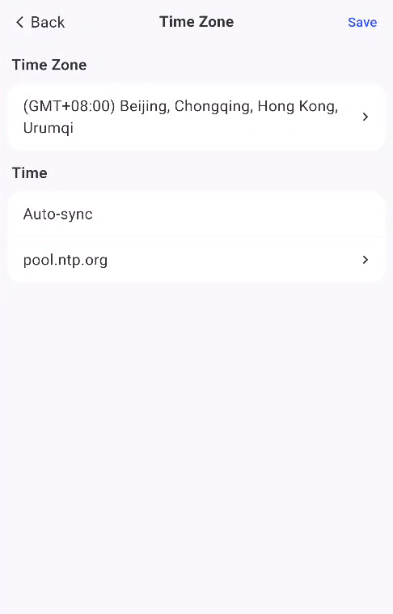
- Set the time zone:
Select your local time zone from the "Time Zone" drop-down list
- Set the time:
-
Auto-sync: The clock will sync automatically at regular intervals when an external network connection is available
-
Custom time